
Office relocations are one of the most complex IT projects a business undertakes, and they are almost always underestimated. The moving company handles the furniture. The landlord handles the keys. But the technology — every computer, server, printer, phone system, cable run, and internet connection — is an IT project that requires its own planning.
The most common IT relocation failures happen not because of technical complexity, but because technology planning starts too late. Here is what needs to happen, and when.
60+ days before the move
- Audit your current IT inventory: Document every device, server, network component, and software license. Know what you're moving before you move it.
- Assess the new location: Survey the network infrastructure at the new space — existing cabling, panel locations, electrical capacity, and internet service availability.
- Select your ISP and service type: Internet service takes 30–90 days to provision. Order it immediately. Your options at the new address may differ from your current location.
- Plan new cabling: Determine where workstations, conference rooms, and server infrastructure will be located. Map cable runs and plan for a professional installation.
- Contact your phone provider: Business phone systems, SIP trunks, and PBX configurations require advance notice and coordination.
30 days before the move
- Schedule cabling installation: New data cabling should be installed and tested before your equipment arrives.
- Pre-configure network equipment: Firewalls, switches, and wireless access points should be configured and tested before moving day.
- Back up everything: Complete, verified backups of all servers and critical systems should exist before any equipment moves.
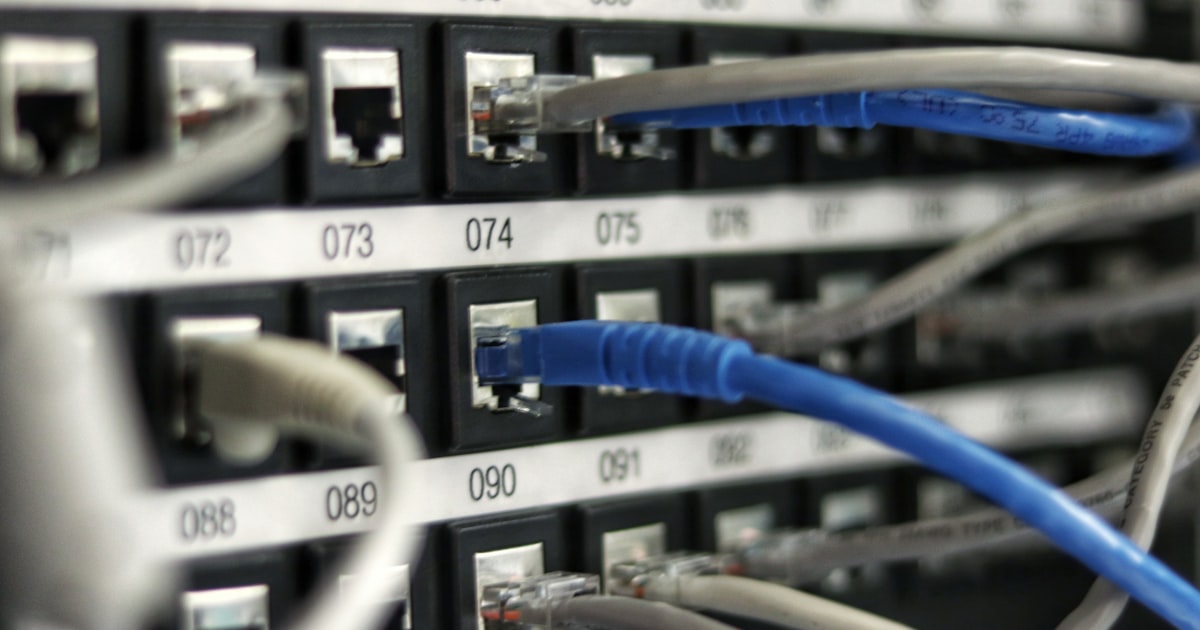
- Create a device labeling system: Every cable, device, and port should be labeled for the move.
- Notify service providers: Inform any cloud services or managed service providers of the upcoming address and network changes.
Moving day
- Move servers in their original packaging or purpose-built transit cases — never on a dolly in a box without padding
- Transport UPS (uninterruptible power supply) units separately and upright
- Document the connection state of every device before disconnecting it
- Have an IT technician present for setup at the new location, not just for teardown at the old one
First week at the new location
Expect the first week to require IT support. Issues will surface that no amount of planning prevents — a switch that behaves differently in the new rack, a workstation that needs a driver update, a user whose remote access does not work from the new network.
Budget extra IT time for the two weeks following a move. The systems that need attention are rarely the ones you expected — they're the ones that worked fine for years because nobody changed anything.
Office relocations done well are invisible to clients and minimally disruptive to staff. Done poorly, they can cost days of lost productivity and damage the professional reputation you've built. Engaging an experienced IT partner early in the relocation planning process is one of the most valuable investments a relocating business can make.